

Sendlane
Connect Sendlane so approved affiliates land in a list.

Rekomi's Sendlane integration uses the v2 API: POST /v2/lists/{listId}/contacts with the contact (email, first_name, last_name) wrapped in a contacts array. Synchronous response. Re-subscribing the same email returns the existing record.
Connecting
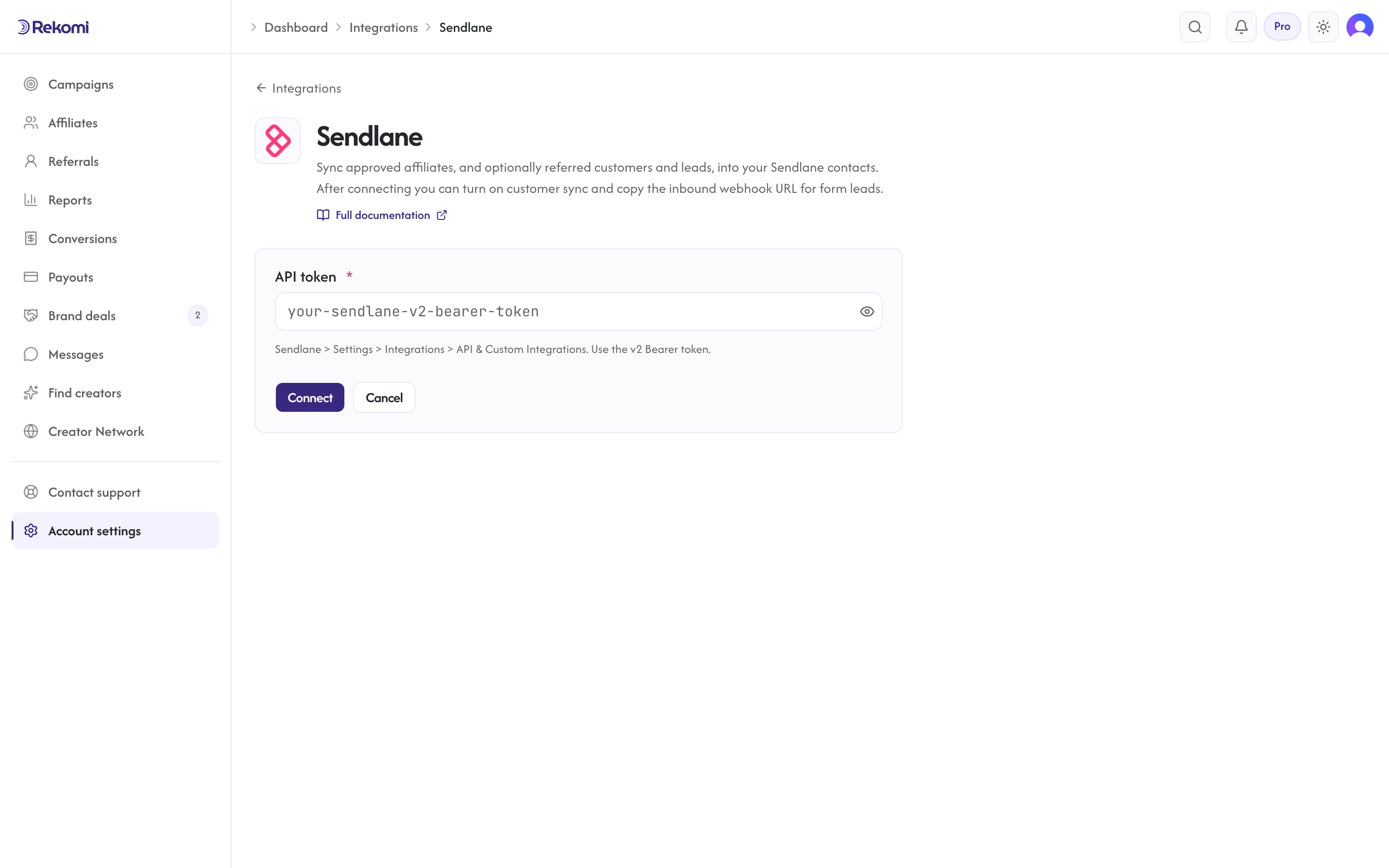
- Sendlane > Settings > Integrations > API & Custom Integrations. Generate or copy your v2 Bearer token.
- In Rekomi, Integrations > Sendlane, paste, click Connect.
- Pick a list.
Tags
Sendlane has first-class tags via a separate post-subscribe call. For now Rekomi attaches only to the chosen list, per-tag round-trips are deferred to a future enhancement to keep latency low.
Referred customers and leads (optional)
Turn on Sync referred customers and leads on the integration page and every sale or lead Rekomi attributes to an affiliate is written to Sendlane as well, matched on email so existing contacts are updated, not duplicated. Each one carries:
- custom fields
Rekomi referral link,Rekomi campaign,Rekomi referring affiliate,Rekomi referring affiliate code,Rekomi last event,Rekomi last sale amount, created on first use - tags
Rekomi customerorRekomi lead - Affiliates synced by the section above also get
Rekomi referral link,Rekomi campaignandRekomi affiliate statusin the same fields, so you can merge a partner's link into your emails.
Refunded, denied and fraud-quarantined conversions are never pushed, and imported historical conversions are skipped. It is off by default.
Provider notes
- v2 Bearer token (NOT v1 with subdomain, v2 removed the per-account subdomain).
- 429 honors
Retry-After. - Disconnect deletes the integration row.
See the sendlane integration overview on the marketing site for use-cases, persona fit, and unique automation patterns.