

For brandsCRM integrations
Brands
Vision6
Connect Vision6 (Australian email marketing) so approved affiliates land in a list.

Rekomi's Vision6 integration adds every approved affiliate via the REST API v1 endpoint POST /v1/lists/{listId}/contacts, sending the contact (email, first_name, last_name) wrapped in a root contacts array. 409 on duplicate is treated as a success, not an error.
Connecting
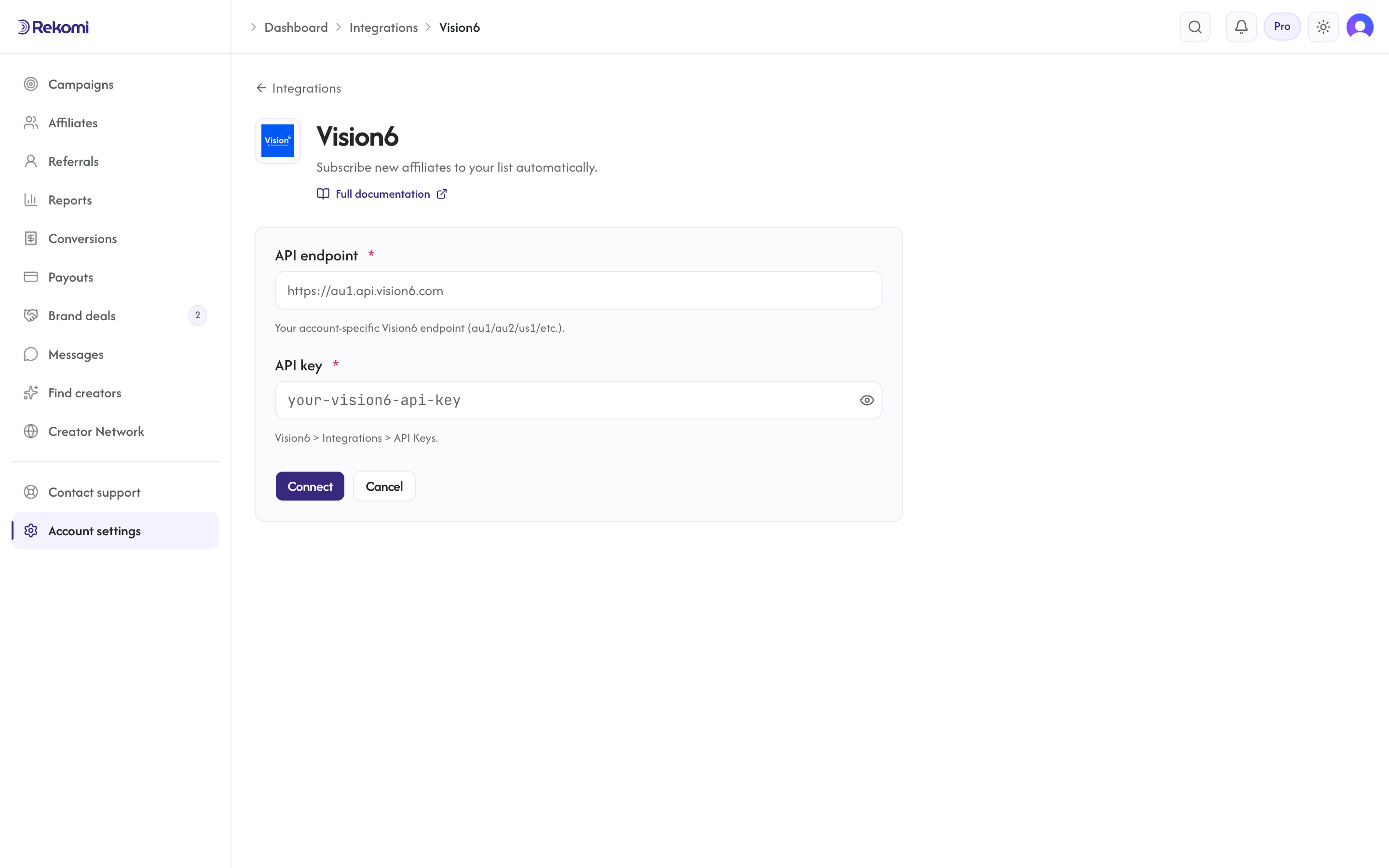
- Vision6 > Integrations > API Keys. Copy the API key + your account-specific endpoint (e.g.
https://au1.api.vision6.com). - In Rekomi, Integrations > Vision6, paste both, click Connect.
- Pick a list.
Tags
Vision6 has no first-class tags, so Rekomi does not show a tags input.
Provider notes
- Per-account endpoint with SSRF allowlist (regional
au/us/euhosts onapi.vision6.comorapi.vision6.com.au). - Bearer auth (REST API v1).
- 429 honors
Retry-After. - Disconnect deletes the integration row.
See the vision6 integration overview on the marketing site for use-cases, persona fit, and unique automation patterns.