

For brandsCRM integrations
Brands
Benchmark Email
Connect Benchmark Email so approved affiliates land in your contact list.

Rekomi's Benchmark Email integration adds every approved affiliate to a Benchmark contact list via POST /Contact/{listId}/ContactDetails. The body includes Data: { Email, FirstName, LastName, EmailPerm: "1" }. EmailPerm: "1" is critical, without it Benchmark silently fails the contact.
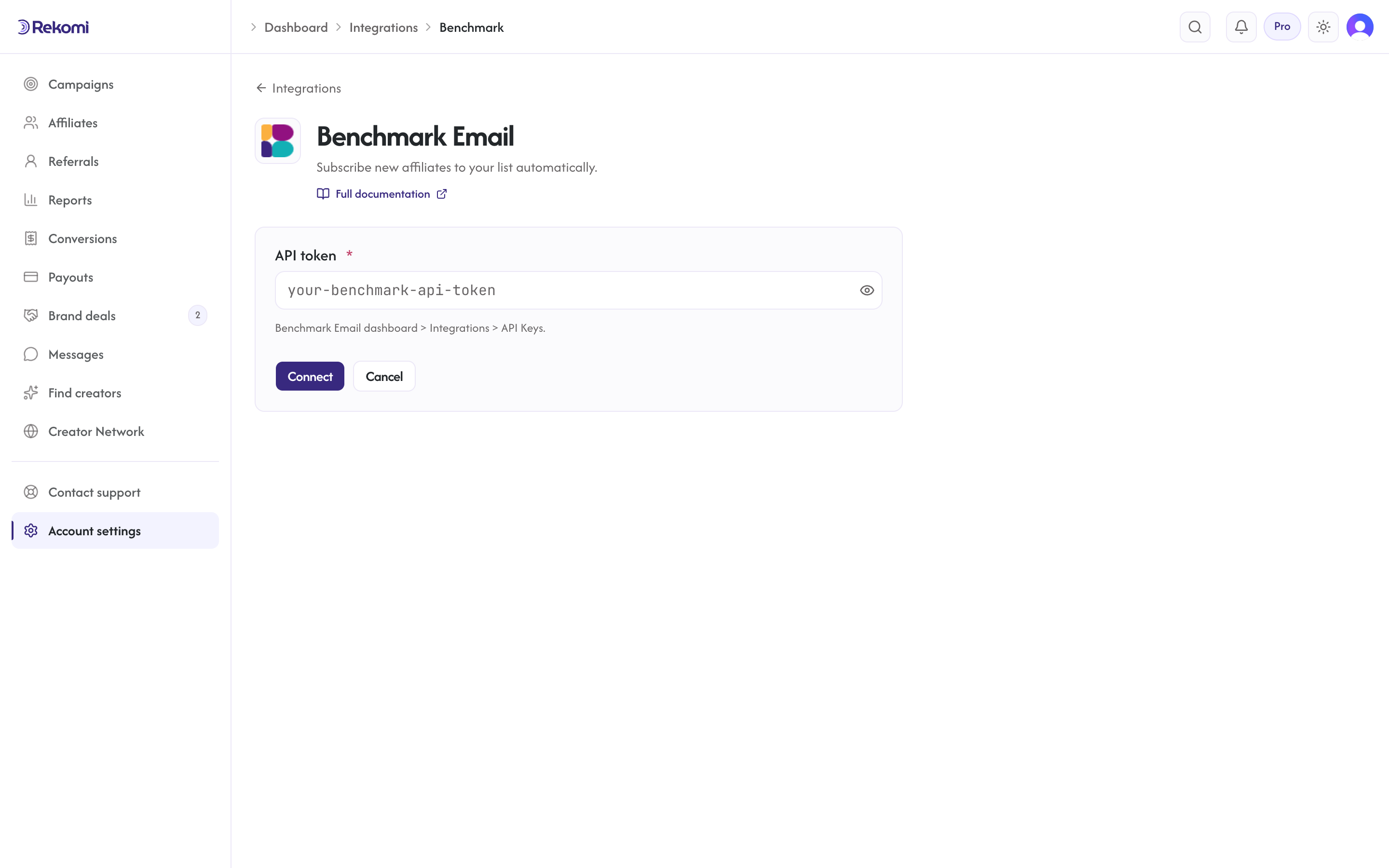
Connecting
- Benchmark Email dashboard > Integrations > API Keys. Copy the API token.
- In Rekomi, Integrations > Benchmark Email, paste the token, click Connect.
- Pick a list from the dropdown.
Tags
Not supported. Benchmark's v3 contact endpoint has no documented tag support, so Rekomi does not send tags (the tags input is hidden for Benchmark). Use separate lists for segmentation.
Provider notes
- Custom header
AuthToken: {token}(NOT Authorization Bearer). - Synchronous upsert, but Benchmark returns HTTP 200 even on failure; Rekomi parses the response body's
Statusfield (1 = success) so failures surface truthfully. - 429 honors
Retry-After. - Disconnect deletes the integration row.
See the benchmark integration overview on the marketing site for use-cases, persona fit, and unique automation patterns.