

Moosend
Connect Moosend so approved affiliates land in a mailing list automatically.

Rekomi's Moosend integration adds every approved affiliate to a Moosend mailing list.
What syncs
When an affiliate is approved (or, optionally, when they apply), Rekomi calls POST /v3/subscribers/{listId}/subscribe.json?apikey={key} with Email, concatenated Name, and Tags. Moosend's endpoint is upsert by email natively.
Moosend reports errors as HTTP 200 with a non-zero Code in the body (bad API key, unknown list, invalid email all arrive that way). Rekomi parses the envelope on every response, so those cases surface as real failures instead of false successes.
Finding your API key
In Moosend (now Sitecore Send):
- More → Settings → API key.
- Copy the key.
Connecting Moosend in Rekomi
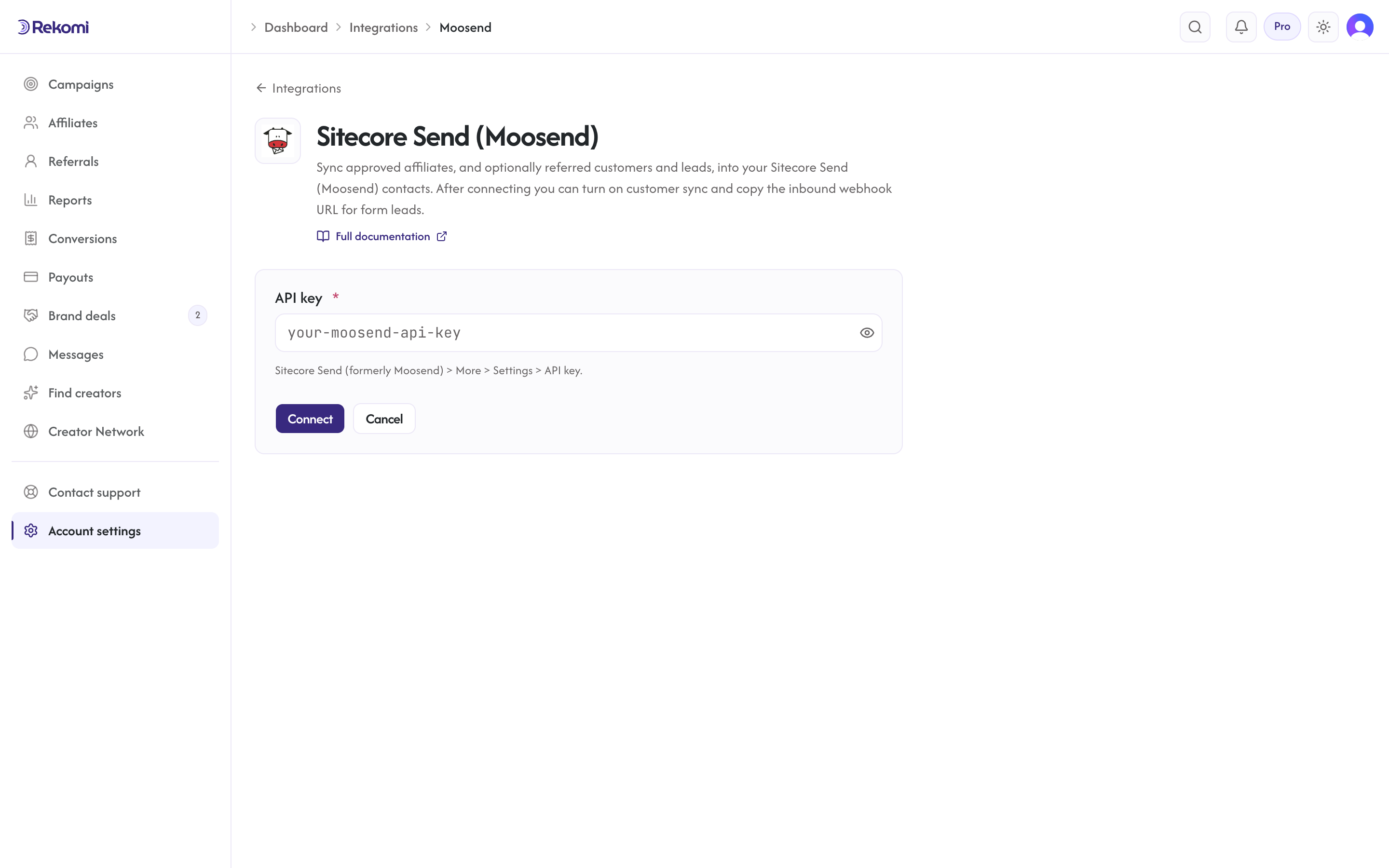
- Go to Integrations in the dashboard sidebar.
- Click the Sitecore Send (Moosend) card.
- Paste your API key. Click Connect.
- Rekomi runs a test call that fetches a one-item lists page (
GET /v3/lists/{page}/{size}.json) and checks the response envelope, so a bad key fails at connect time.
Tags
Supported. Tags is a documented field on Moosend's subscribe body, so Rekomi sends your configured tag names (including the Rekomi affiliate system tag) inline on every sync.
Referred customers and leads (optional)
Turn on Sync referred customers and leads on the integration page and every sale or lead Rekomi attributes to an affiliate is written to Moosend as well, matched on email so existing contacts are updated, not duplicated. Each one carries:
- list custom fields
Rekomi referral link,Rekomi campaign,Rekomi referring affiliate,Rekomi referring affiliate code,Rekomi last event,Rekomi last sale amount, created on the list on first use - tags
Rekomi customerorRekomi lead - Affiliates synced by the section above also get
Rekomi referral link,Rekomi campaignandRekomi affiliate statusin the same fields, so you can merge a partner's link into your emails.
Refunded, denied and fraud-quarantined conversions are never pushed, and imported historical conversions are skipped. It is off by default.
Per-campaign overrides + per-affiliate visibility + troubleshooting + disconnecting
Same patterns as other CRM providers. See the Mailchimp doc for the canonical workflow.
Provider-specific notes
- Auth uses
?apikey=query string, not a header. - Name is a single field, Rekomi concatenates first + last.
- 429 has no documented
Retry-After; Rekomi falls back to exponential backoff.
See the moosend integration overview on the marketing site for use-cases, persona fit, and unique automation patterns.
MailerLite
Connect MailerLite once and it does two jobs. Approved affiliates land in a MailerLite group, and sales are credited to the affiliate whose link brought the subscriber through one custom field the Rekomi script fills.
Drip
Connect Drip so approved affiliates land in your account with tags for segmentation.