

For brandsCRM integrations
Brands
Campaigner
Connect Campaigner so approved affiliates land in your subscriber list.

Rekomi's Campaigner integration adds every approved affiliate via POST /v1/Import/Subscribers with Subscribers: [{ EmailAddress, Lists: [listId], CustomFields: [FirstName, LastName] }] (list membership rides on each subscriber; names travel as custom fields). Upsert keyed on EmailAddress.
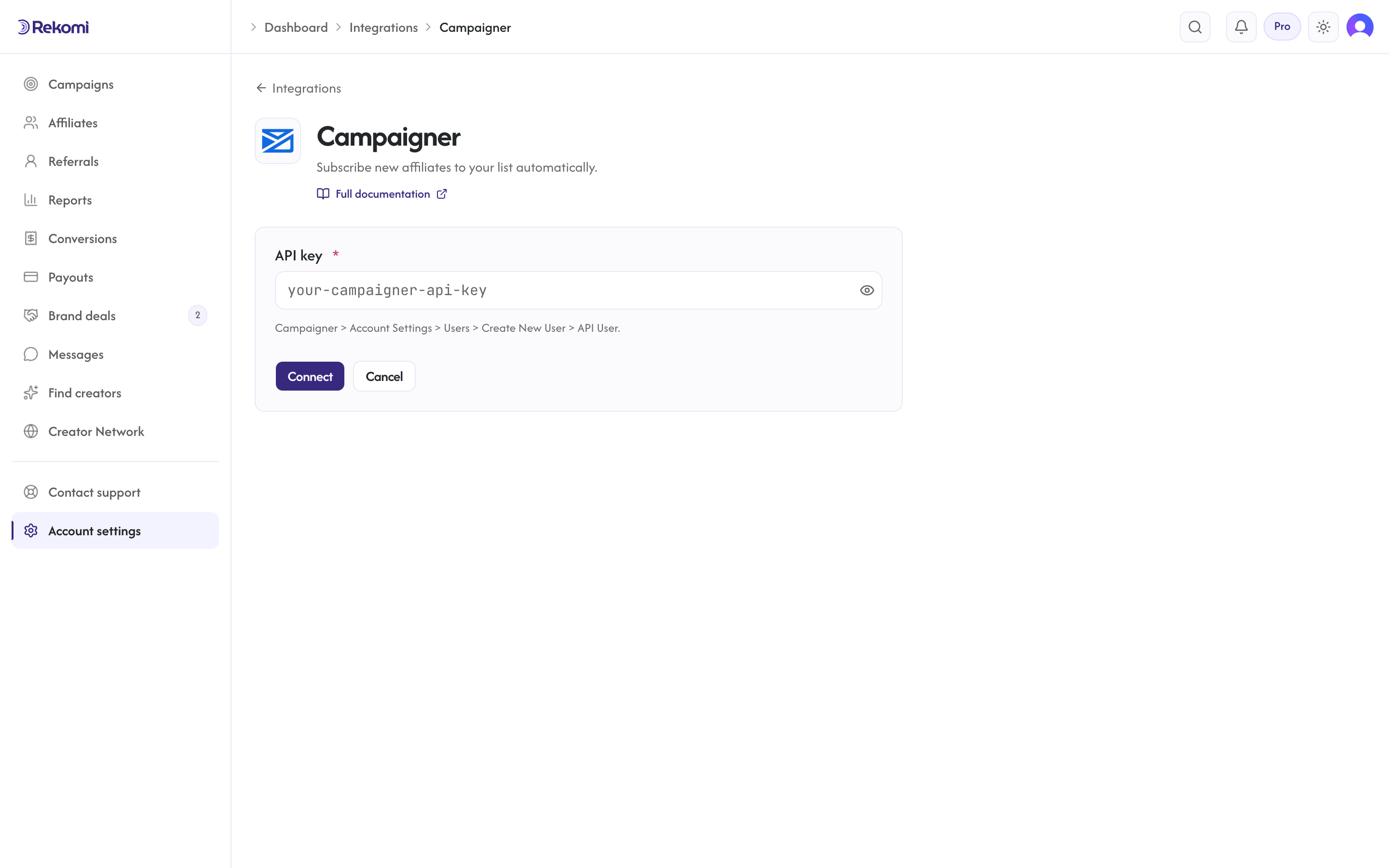
Connecting
- Campaigner > Account Settings > Users > Create New User > API User.
- In Rekomi, Integrations > Campaigner, paste API key, click Connect.
- Pick a list.
Tags
Campaigner has no first-class tag concept. Rekomi ignores the tags array.
Provider notes
ApiKey: {key}header.- PascalCase fields.
- A 200 response still carries the per-batch outcome; Rekomi parses
Failures/Successesso a rejected subscriber surfaces as a real failure. - 429 honors
Retry-After. - Disconnect deletes the integration row.
See the campaigner integration overview on the marketing site for use-cases, persona fit, and unique automation patterns.