

Connect Stripe for payouts
Stripe Express onboarding, one payout account for every campaign, what data Stripe collects.
To receive payouts via Stripe, you connect a Stripe Express account. Express is Stripe's lightweight onboarding flow built for marketplaces. It takes about ten minutes for U.S. residents and longer for international. Stripe is the payout method for affiliates based in the 42 countries Stripe supports (including the U.S., most of Europe, Canada, Australia, Japan, and Mexico); your payout method is determined by the country you choose, not picked by hand. See Payout countries for the full list.
Why Stripe
Three reasons:
- Speed. Stripe settles transfers in 1-3 business days.
- Compliance. Stripe handles your identity verification (KYC) and anti-money-laundering checks. You do not have to. For US tax reporting, Rekomi (Uplup Inc.) is the payer of record (the entity that reports and files your tax form) and issues any 1099-NEC you are owed through Stripe at year end; Stripe Express collects your W-9 or W-8 during onboarding. See Tax forms.
- Transparent fees. You keep 100% of your commission. The only deduction is a small standard withdrawal fee (a flat $2.25 plus 0.25%, charged just once per monthly payout, at no margin to Rekomi; see Payouts), and the brand pays Rekomi a platform fee on the payout (currently 3%, 2.5% on Enterprise) that does not come out of your earnings beyond that withdrawal fee.
If Stripe does not operate in your country, you are paid via PayPal instead. Rekomi routes you to one payout method or the other based on your country; there is nothing to choose by hand.
How to connect
/a/settings has the Payout method section. Pick your country first: Stripe locks the account country at setup, so it cannot be changed later. Once you choose a Stripe-supported country, the Stripe Express card appears with a "Connect with Stripe" button and a "Not connected" status.
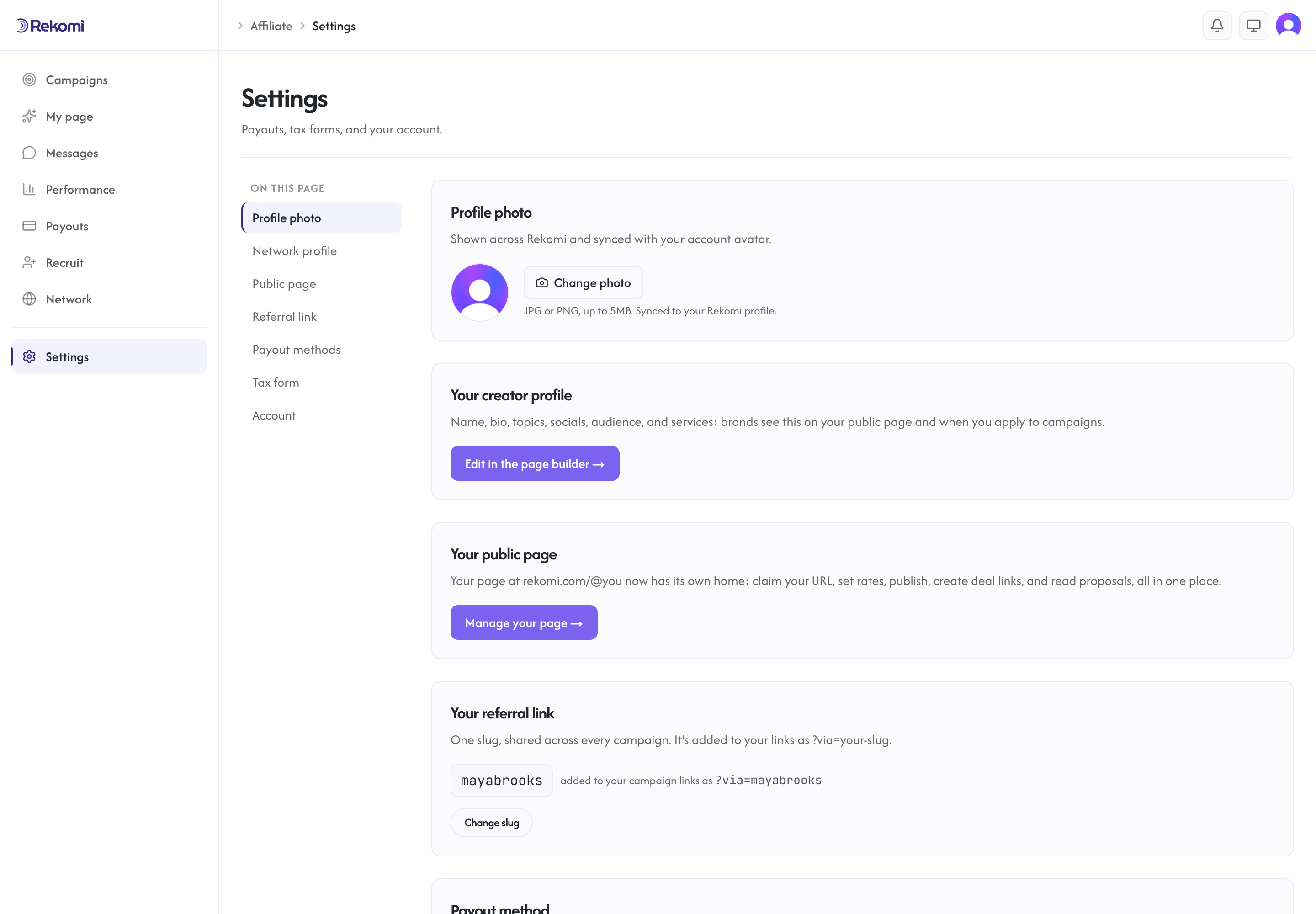
Click Connect. You land on Stripe's hosted onboarding page. Stripe collects:
- Your legal name and date of birth
- Your address
- Your government-issued ID or SSN (last 4 in the U.S.)
- Your bank account routing details
- (For business accounts) entity name, EIN, beneficial owners
This information goes to Stripe, never to Rekomi. Stripe is the regulated entity.
After you complete the form, Stripe returns you to your Payouts page at /a/payouts, and your settings show the "Connected" status.
One account for every campaign
You connect once. That single Stripe Express account is your account-level payout identity: it applies automatically to every campaign you join, current and future. You do not connect a separate account per brand, and you never see a list of per-campaign connect buttons. Stripe links your KYC to the one account, and Rekomi routes each brand's payout to it.
What if Stripe is not in your country
Your payout method follows your country:
- Stripe countries (42, including the U.S.): you connect Stripe Express, as above.
- Bank deposit countries (60 more): you are paid straight to your local bank account. Add your bank details on
/a/settings(plus your W-8 tax form if you are outside the US), and you are included in payout runs like any other affiliate. - PayPal countries (30 more): you are paid to your PayPal account. Add your PayPal email on
/a/settings(plus your W-8 tax form if you are outside the US), and you are included in payout runs like any other affiliate. - Anywhere else: payouts are not available in your country yet. You can still join campaigns and earn; we are adding coverage over time.
You do not pick the payout method and brands do not enable it per affiliate; Rekomi routes each payout to the method your country uses.
Onboarding status
Your status on /a/settings can be:
- Not connected: you have not started.
- Finish setup: Stripe still needs details before you can be paid. Click "Finish Stripe setup" to resume Stripe's flow; this is also where you land if Stripe flags a verification issue or a missing document.
- Connected: ready to receive payouts.
Updating your Stripe details
To change bank account, business entity, address, or any other field, click "Manage on Stripe" from /a/settings. This reopens Stripe's secure hosted flow, where you update your details. Changes sync back to Rekomi automatically.
What Rekomi sees
Rekomi sees:
- Your Stripe Connect account ID
- Whether the account is in good standing
- Whether you can accept transfers
Rekomi does not see:
- Your bank account number
- Your full SSN
- Your tax forms (those go directly to Stripe)
- Your personal address (Stripe-collected; Rekomi sees only what Stripe surfaces to platforms)
If you are paid via Stripe Express, Stripe collects your tax form during onboarding and there is nothing to upload to Rekomi. See Tax forms for details.
When payouts arrive
After a brand runs a payout batch, your payout shows in /a/payouts as In transit, then Paid. The Stripe-side settlement is typically 1-3 business days for U.S. domestic transfers and 3-7 days for international.
Failed transfers (closed account, KYC hold, dispute) show as Failed with a reason. Resolve on Stripe's side, then ask the brand to retry from their Failed tab.