

Selligent (Marigold Engage)
Connect Selligent Marketing Cloud so approved affiliates land in a list.

Rekomi's Selligent integration adds every approved affiliate via POST /Portal/Api/organizations/{organization}/lists/{api_name}/data with a flat field map. Synchronous upsert; the response reports whether the record was inserted or updated.
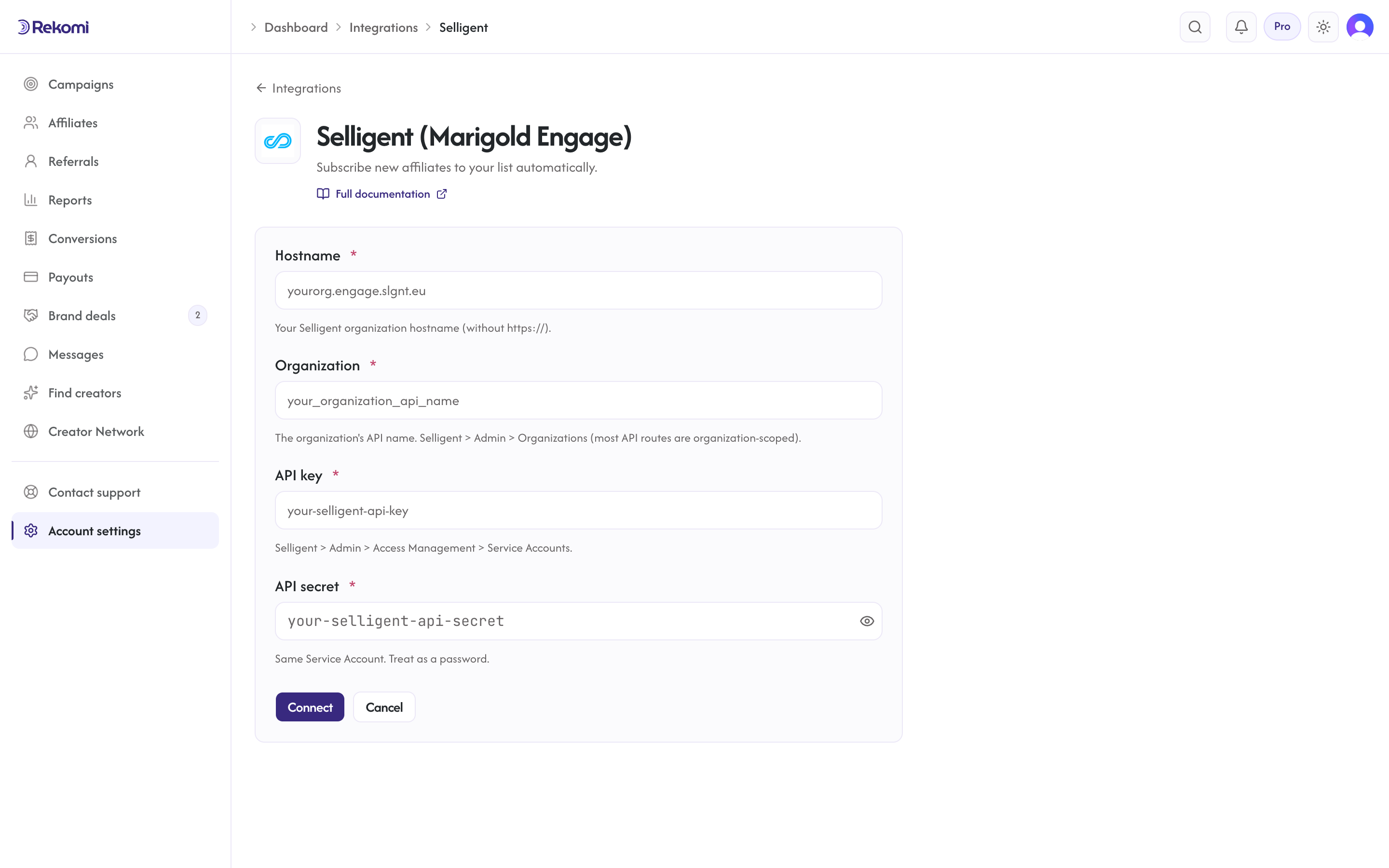
Connecting
- Selligent > Admin > Access Management > Service Accounts > Create. Copy API key + API secret + your org hostname.
- Selligent > Admin > Organizations. Copy your organization's API name (most Selligent API routes are organization-scoped).
- In Rekomi, Integrations > Selligent, paste all four (hostname, organization, API key, API secret), click Connect.
- Pick a list. Rekomi fetches your organization's lists and targets each one by its
api_name.
Reconnecting after the organization field was added: if you connected Selligent before the organization field existed, disconnect and reconnect with your organization's API name filled in. Syncs cannot run without it.
Field names
Selligent list fields are defined per list by your list schema. Rekomi sends the email under the field name mail (Selligent's documented default) plus a best-effort name field when the affiliate has a name. If your list uses a different email field name, the record will be rejected; add or map a mail field on the target list.
Tags
Selligent has no first-class tag primitive. Rekomi does not show a tags input for Selligent; use custom fields.
Provider notes
X-ApiKey: {apiKey}:{apiSecret}header (colon-joined).- Per-org hostname with SSRF allowlist
*.slgnt.{eu,us}(the legacyselligent.*hostname family was retired after the Marigold rebrand). - Connection test probes
GET /Portal/Api/status. - Disconnect deletes the integration row.
See the selligent integration overview on the marketing site for use-cases, persona fit, and unique automation patterns.