

Ortto
Connect Ortto so approved affiliates land in your customer database with tags.

Rekomi's Ortto integration upserts every approved affiliate as an Ortto person, with first-class tags for segmentation. Ortto is account-wide, no list picker.
What syncs
When an affiliate is approved (or, optionally, when they apply), Rekomi calls POST /v1/person/merge with typed fields (str::email, str::first, str::last, bol::p for email-subscribed) plus a tags array. The call is synchronous (async: false) so we know the real outcome.
Rekomi detects your Ortto region (US / EU / AU) automatically by probing the regional hosts; no region setting is needed or stored, each call routes itself.
Finding your API key
In Ortto:
- Account Settings → Custom API Keys.
- Create a new key with appropriate permissions. Copy the private key.
Connecting Ortto in Rekomi
- Go to Integrations in the dashboard sidebar.
- Click the Ortto card.
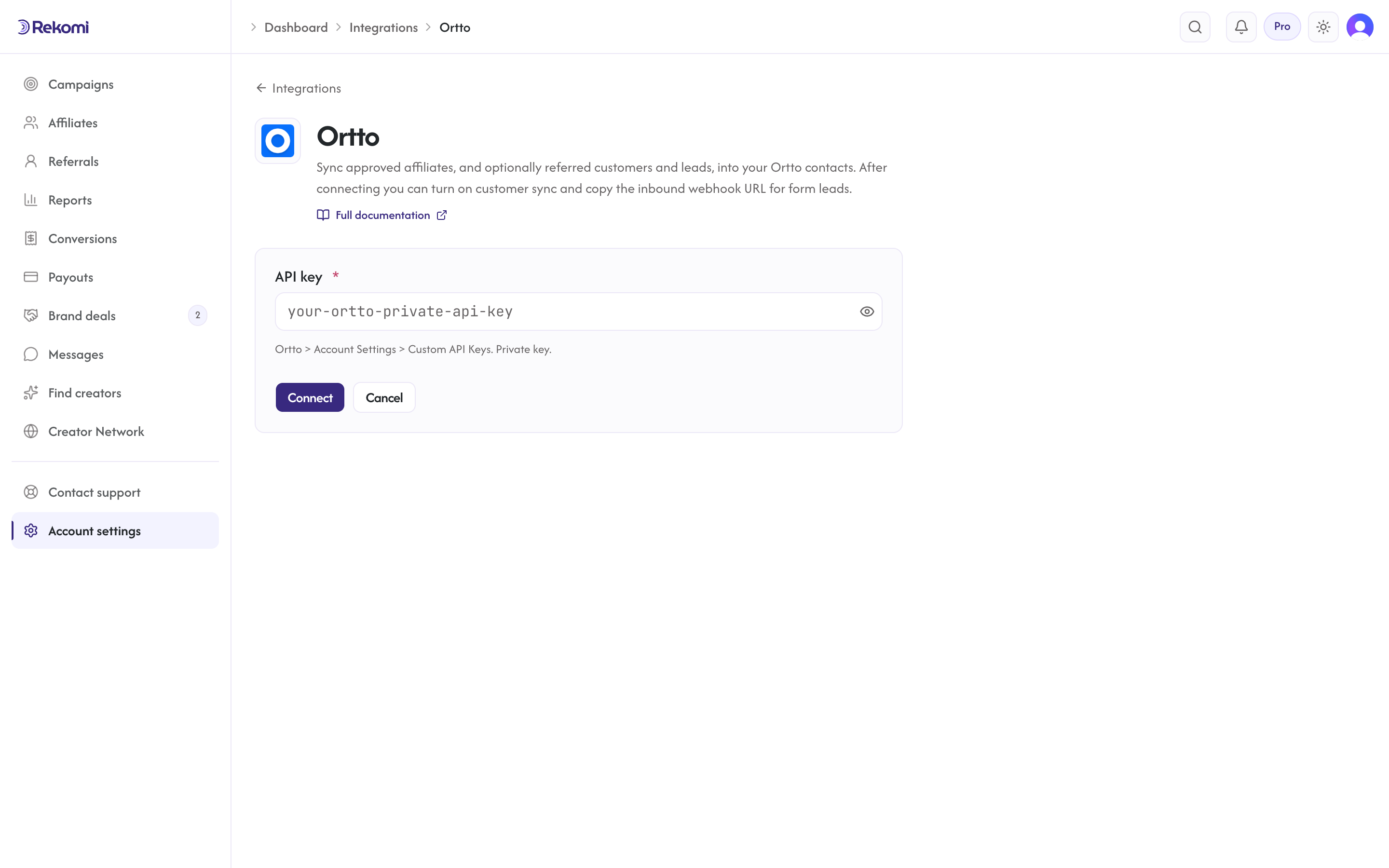
- Paste your API key. Click Connect.
- Rekomi probes US → EU → AU to validate the key; syncs repeat the same regional fallback automatically (the region is not stored).
Tags
First-class. Send comma-separated; Ortto auto-creates missing tag names. The Rekomi affiliate system tag is always set.
Referred customers and leads (optional)
Turn on Sync referred customers and leads on the integration page and every sale or lead Rekomi attributes to an affiliate is written to Ortto as well, matched on email so existing contacts are updated, not duplicated. Each one carries:
- custom fields
Rekomi referral link,Rekomi campaign,Rekomi referring affiliate,Rekomi referring affiliate code,Rekomi last event,Rekomi last sale amount, created on first use - tags
Rekomi customerorRekomi lead - Affiliates synced by the section above also get
Rekomi referral link,Rekomi campaignandRekomi affiliate statusin the same fields, so you can merge a partner's link into your emails.
Refunded, denied and fraud-quarantined conversions are never pushed, and imported historical conversions are skipped. It is off by default.
Per-campaign overrides + per-affiliate visibility + troubleshooting + disconnecting
Same patterns as other CRM providers. See the Mailchimp doc for the canonical workflow.
Provider-specific notes
- 429 retry-after lives in the response body as
try-in-seconds(Ortto does not use the standardRetry-Afterheader). Rekomi parses this automatically. - Rate limits: 10 req/sec Professional tier; 30 req/sec Business/Enterprise. Rekomi's 1/sec worker pace stays well under.
See the ortto integration overview on the marketing site for use-cases, persona fit, and unique automation patterns.