

Sendy
Connect Sendy (self-hosted) so approved affiliates land in your install's list.

Rekomi's Sendy integration POSTs /subscribe (form-encoded) with api_key, list, email, name, gdpr, silent, plus a flag asking Sendy for a machine-readable response. The silent: true flag skips Sendy's double-opt-in (the affiliate already opted in by accepting your program).
Connecting
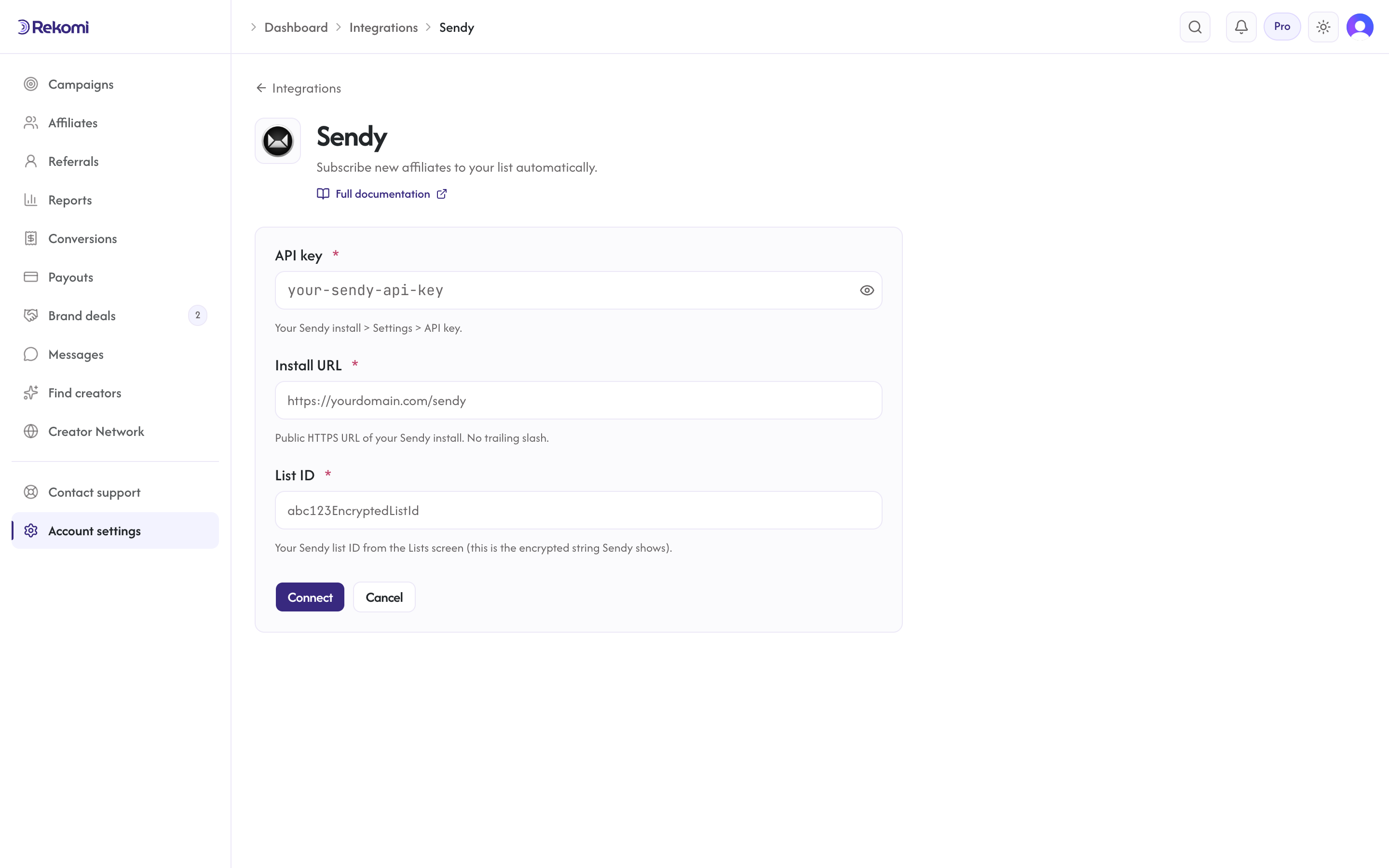
- Sendy install > Settings. Copy the API key.
- From the Lists screen, copy the encrypted list ID (Sendy shows it; it's not a plain number).
- In Rekomi, Integrations > Sendy, paste API key + install URL (e.g.
https://yourdomain.com/sendy) + list ID, click Connect. Subdirectory installs are fully supported; the whole path is preserved. - The connection test calls your install's subscriber-count API with the key and list ID, so a typo'd key or list ID fails at connect time instead of on the first sync.
Important: the install URL must not redirect. If your install answers with a 301/302 (www canonicalization, moved subdirectory, an http-to-https rewrite behind the scenes), the connection fails with a hint; enter the final URL the redirect points at.
Tags
Sendy has no tag concept, so Rekomi does not show a tags input.
Provider notes
- Self-hosted, so the install URL is brand-supplied. Rekomi's SSRF guard rejects: non-HTTPS, IP literals, internal hosts (localhost, metadata.google.internal, etc.), URLs with userinfo or non-default ports.
- The list ID is entered manually (no list-picker, Sendy has no enumeration endpoint scoped to API key alone). Campaign-level list overrides are honored; the connect-time list ID is the fallback.
- Sendy answers HTTP 200 even for errors, so Rekomi parses the plain-text body:
true/1andAlready subscribed.count as success, anything else (e.g.Invalid API key) is a real failure. - Disconnect deletes the integration row.
See the sendy integration overview on the marketing site for use-cases, persona fit, and unique automation patterns.