

Pabbly Email Marketing
Connect Pabbly Email Marketing so approved affiliates land in your subscriber list automatically.

Rekomi's Pabbly integration adds every approved affiliate to a Pabbly Email Marketing list.
What this connection does and does not do. It syncs affiliates into Pabbly Email Marketing. It does not track sales, including sales billed through Pabbly Subscription Billing. To credit affiliates for those, connect the payment gateway behind them under Setup and install the Rekomi script where affiliate links land (see the install guides).
What syncs
When an affiliate is approved (or, optionally, when they apply), Rekomi runs a 2-call sequence:
POST /api/v2/subscriberswithemail,firstName,lastName(documented upsert by email; 409 on duplicate is treated as a success, not an error).POST /api/v2/lists/add-subscriberwithemail+listIds: [your-chosen-list-id]to attach the subscriber to the list.
Finding your API token
In Pabbly Email Marketing:
- Integrations → API.
- Generate a v2 token. Copy it.
Connecting Pabbly in Rekomi
- Go to Integrations in the dashboard sidebar.
- Click the Pabbly card.
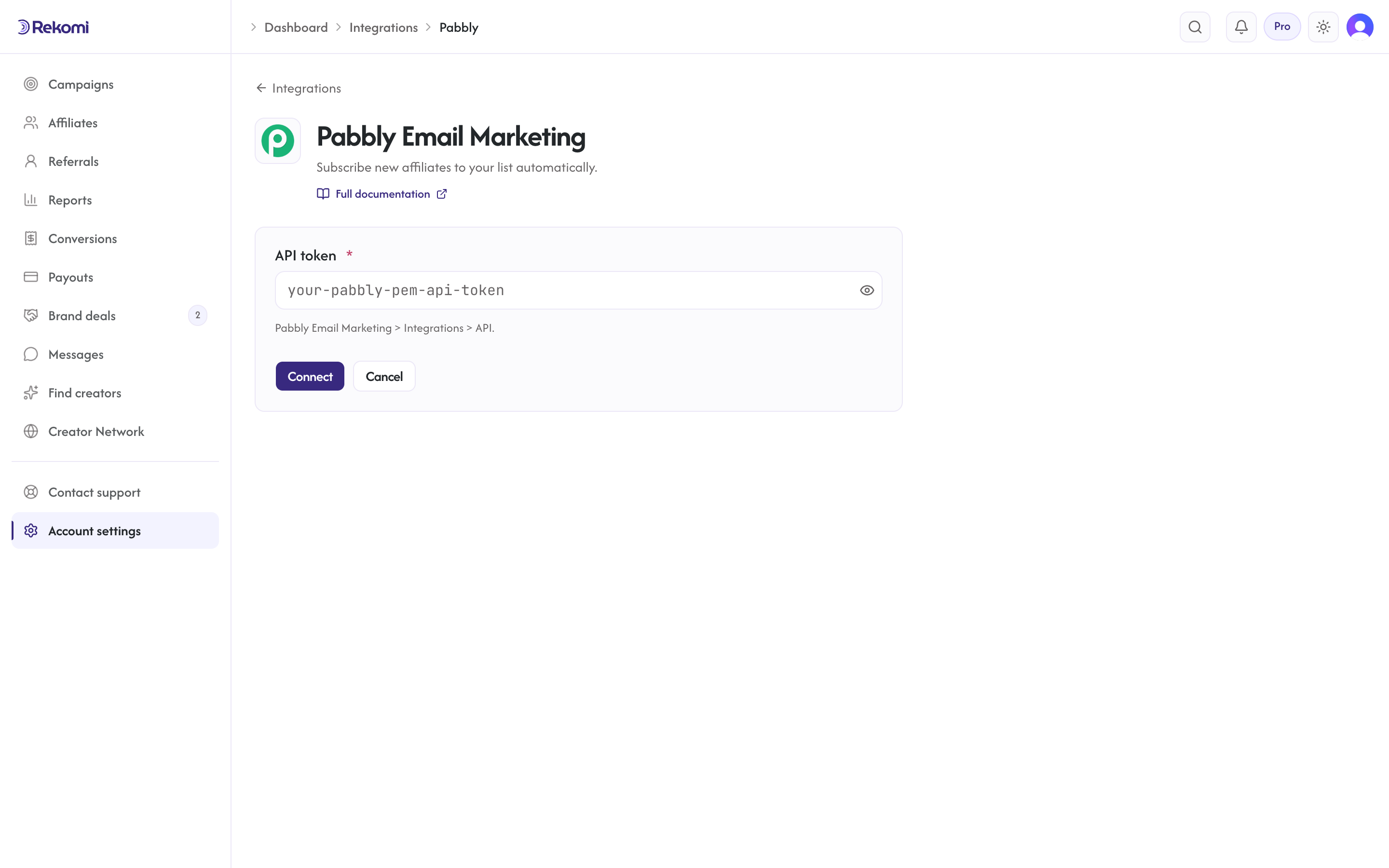
- Paste your API token. Click Connect.
Tags
Not sent. Pabbly's v2 subscriber endpoint documents a tags field, but it is unverified against live accounts, so Rekomi doesn't advertise tagging for Pabbly (the tags input is hidden). Use separate lists for segmentation.
Per-campaign overrides + per-affiliate visibility + troubleshooting + disconnecting
Same patterns as other CRM providers.
Provider-specific notes
- Bearer token auth (v2 token, not v1).
- Lists are targeted by ID (Rekomi persists the list ID from the picker, so renaming a list in Pabbly doesn't break the sync).
- Account-wide daily cap: 10,000 API calls.
See the pabbly integration overview on the marketing site for use-cases, persona fit, and unique automation patterns.