

For brandsCRM integrations
Brands
E-goi
Connect E-goi so approved affiliates land in a list with tags.

Rekomi's E-goi integration adds every approved affiliate via POST /lists/{listId}/contacts with base: { email, first_name, last_name, status: "active" } (status rides inside base; E-goi silently drops top-level fields). 409 on duplicate is treated as a success, not an error.
Connecting
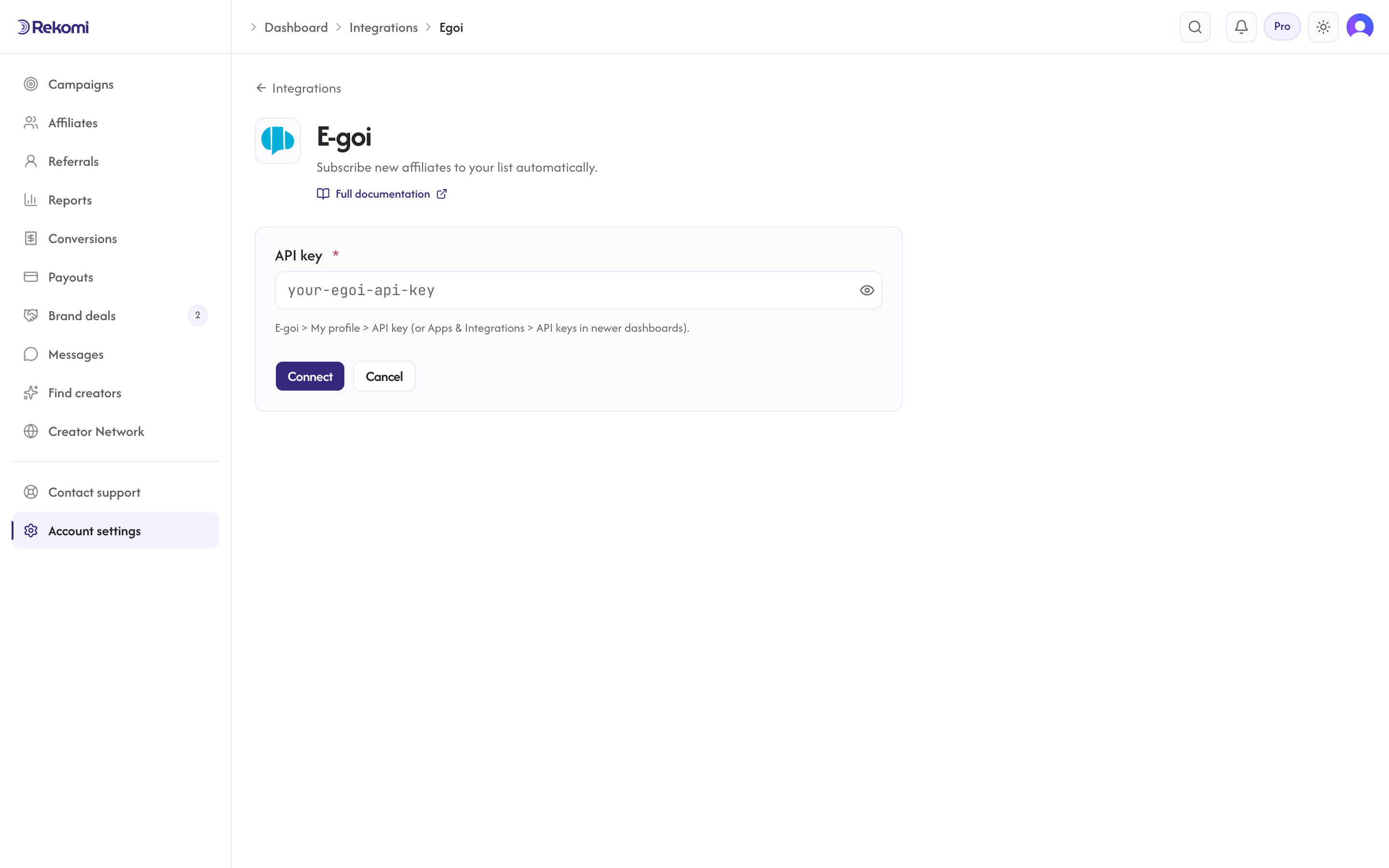
- E-goi > My profile > API key (or Apps & Integrations > API keys in newer dashboards). Copy the key.
- In Rekomi, Integrations > E-goi, paste, click Connect.
- Pick a list.
Tags
E-goi tags are numeric IDs, applied via a follow-up attach-tag call after the contact is created. Rekomi passes through only numeric tag IDs from your defaults; non-numeric names are skipped. If the contact already existed in the list, the sync succeeds but tags are not re-applied on that pass.
Provider notes
Apikey: {key}header (single-wordApikey, notApi-Key).- 429 honors
Retry-After. - Disconnect deletes the integration row.
See the egoi integration overview on the marketing site for use-cases, persona fit, and unique automation patterns.