

Campaign Monitor
Connect Campaign Monitor so approved affiliates land in a subscriber list under a Client.

Rekomi's Campaign Monitor integration adds every approved affiliate to a subscriber list under a specific Client (Campaign Monitor's term for a sub-account).
What syncs
When an affiliate is approved (or, optionally, when they apply), Rekomi calls POST /api/v3.3/subscribers/{listId}.json with EmailAddress, concatenated Name, ConsentToTrack: "Yes" (GDPR-required), and Resubscribe: true (re-subscribes formerly-unsubscribed contacts).
Finding your API key + Client ID
In Campaign Monitor:
- Account Settings → API keys. Copy the API key.
- Clients page lists all Clients on your account. Pick the one you want Rekomi to sync to and copy its Client ID from the URL.
Connecting Campaign Monitor in Rekomi
- Go to Integrations in the dashboard sidebar.
- Click the Campaign Monitor card.
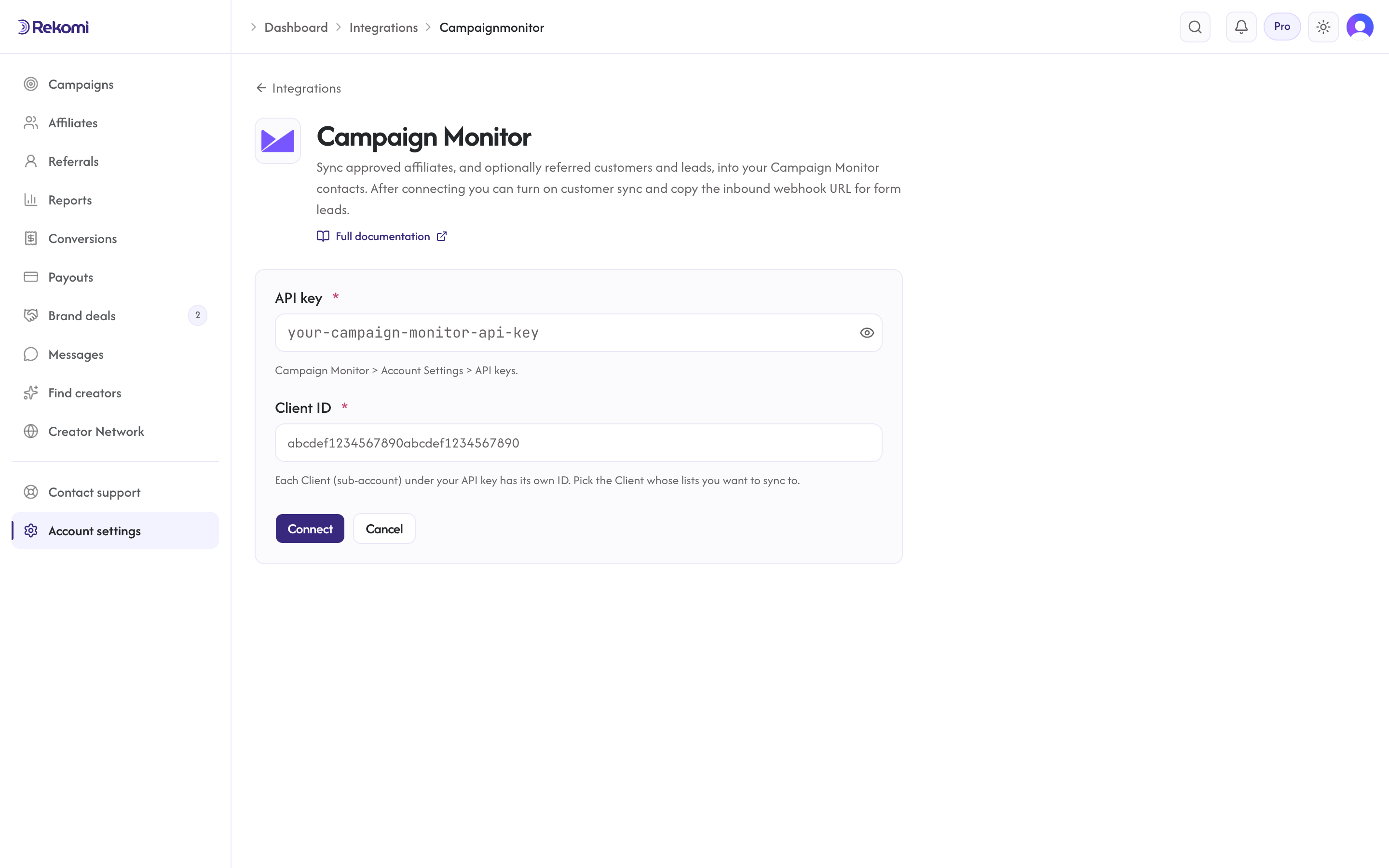
- Paste your API key and Client ID. Click Connect.
- Rekomi runs a test call against
GET /api/v3.3/clients.json.
Tags
Campaign Monitor has no first-class tag concept. Use multiple lists or custom fields for segmentation. Rekomi ignores the tags array on subscribe.
Referred customers and leads (optional)
Turn on Sync referred customers and leads on the integration page and every sale or lead Rekomi attributes to an affiliate is written to Campaign Monitor as well, matched on email so existing contacts are updated, not duplicated. Each one carries:
- list custom fields
Rekomi referral link,Rekomi campaign,Rekomi referring affiliate,Rekomi referring affiliate code,Rekomi last event,Rekomi last sale amount(keys[RekomiReferralLink]and so on), created on the list on first use - no tags; segment on
[RekomiLastEvent] - Affiliates synced by the section above also get
Rekomi referral link,Rekomi campaignandRekomi affiliate statusin the same fields, so you can merge a partner's link into your emails.
Refunded, denied and fraud-quarantined conversions are never pushed, and imported historical conversions are skipped. It is off by default.
Per-campaign overrides + per-affiliate visibility + troubleshooting + disconnecting
Same patterns as other CRM providers.
Provider-specific notes
- HTTP Basic auth with API key as username +
xas password. Resubscribe: trueis essential; without it, previously-unsubscribed emails return 400.- General API has no documented rate limit. Transactional endpoints have
X-RateLimit-Reset(not used for our subscribe path).
See the campaignmonitor integration overview on the marketing site for use-cases, persona fit, and unique automation patterns.