

For brandsCRM integrations
Brands
SendFox
Connect SendFox so approved affiliates land in a list automatically.

Rekomi's SendFox integration adds every approved affiliate to a SendFox list.
What syncs
When an affiliate is approved (or, optionally, when they apply), Rekomi calls POST /contacts with email, first_name, last_name, lists: [listId]. The endpoint is upsert by email.
Finding your access token
In SendFox:
- Account Settings → API.
- Create or copy your personal access token.
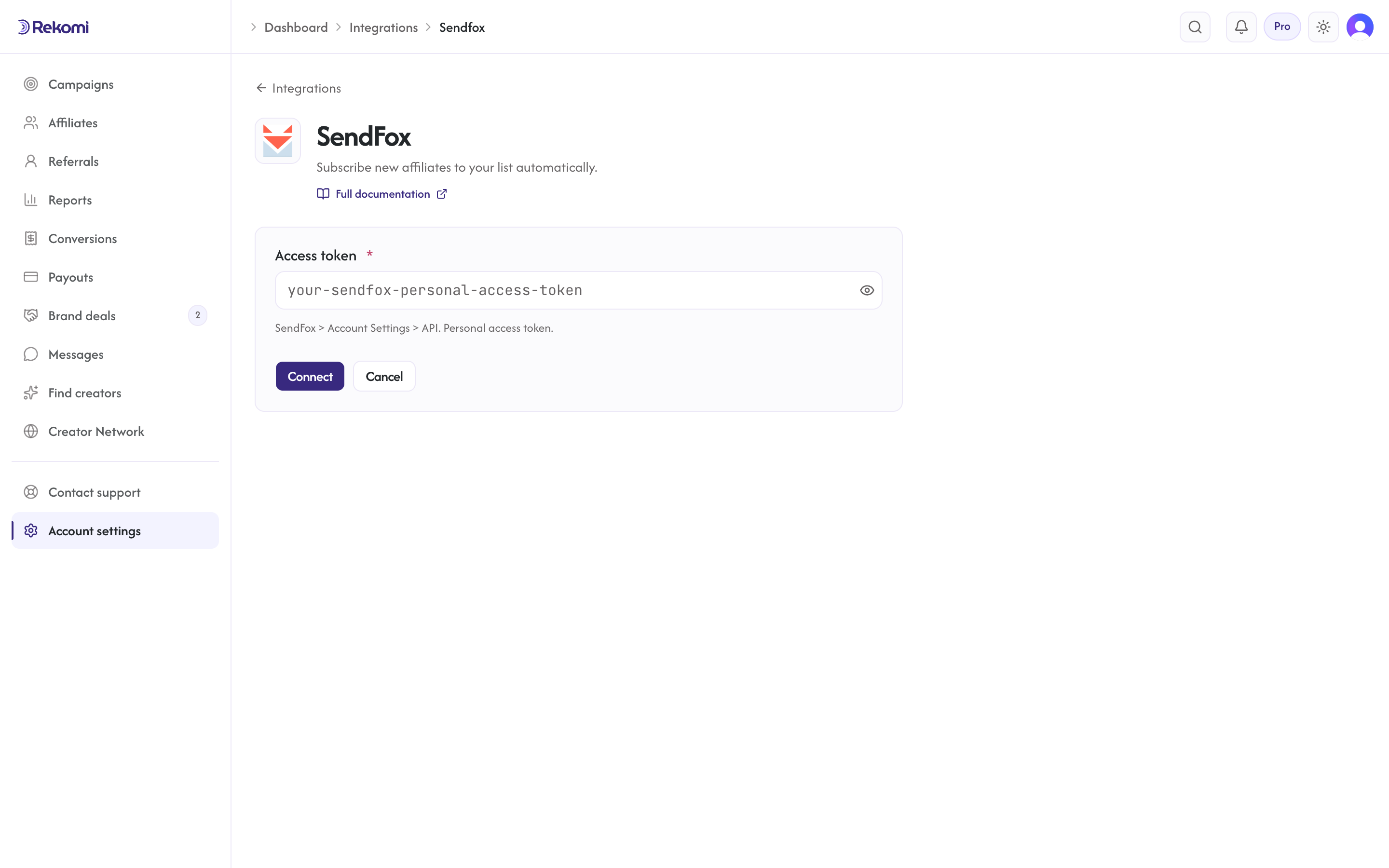
Connecting SendFox in Rekomi
- Go to Integrations in the dashboard sidebar.
- Click the SendFox card.
- Paste your access token. Click Connect.
- Rekomi runs a test call against
GET /me.
Tags
SendFox has no tag concept; only lists. Rekomi ignores the tags array on subscribe.
Per-campaign overrides + per-affiliate visibility + troubleshooting + disconnecting
Same patterns as other CRM providers.
Provider-specific notes
- Bearer token auth.
- No documented rate limit; 429 honors
Retry-After. - The simplest of our integrations, lists only, no tags.
See the sendfox integration overview on the marketing site for use-cases, persona fit, and unique automation patterns.