

Vero
Connect Vero so approved affiliates are identified in your account with tags.

Rekomi's Vero integration identifies (upserts) every approved affiliate via POST /api/v2/users/track. Vero's /users/track endpoint is misnamed, it's the IDENTIFY endpoint, not event tracking. No list-picker (Vero is account-wide).
Connecting
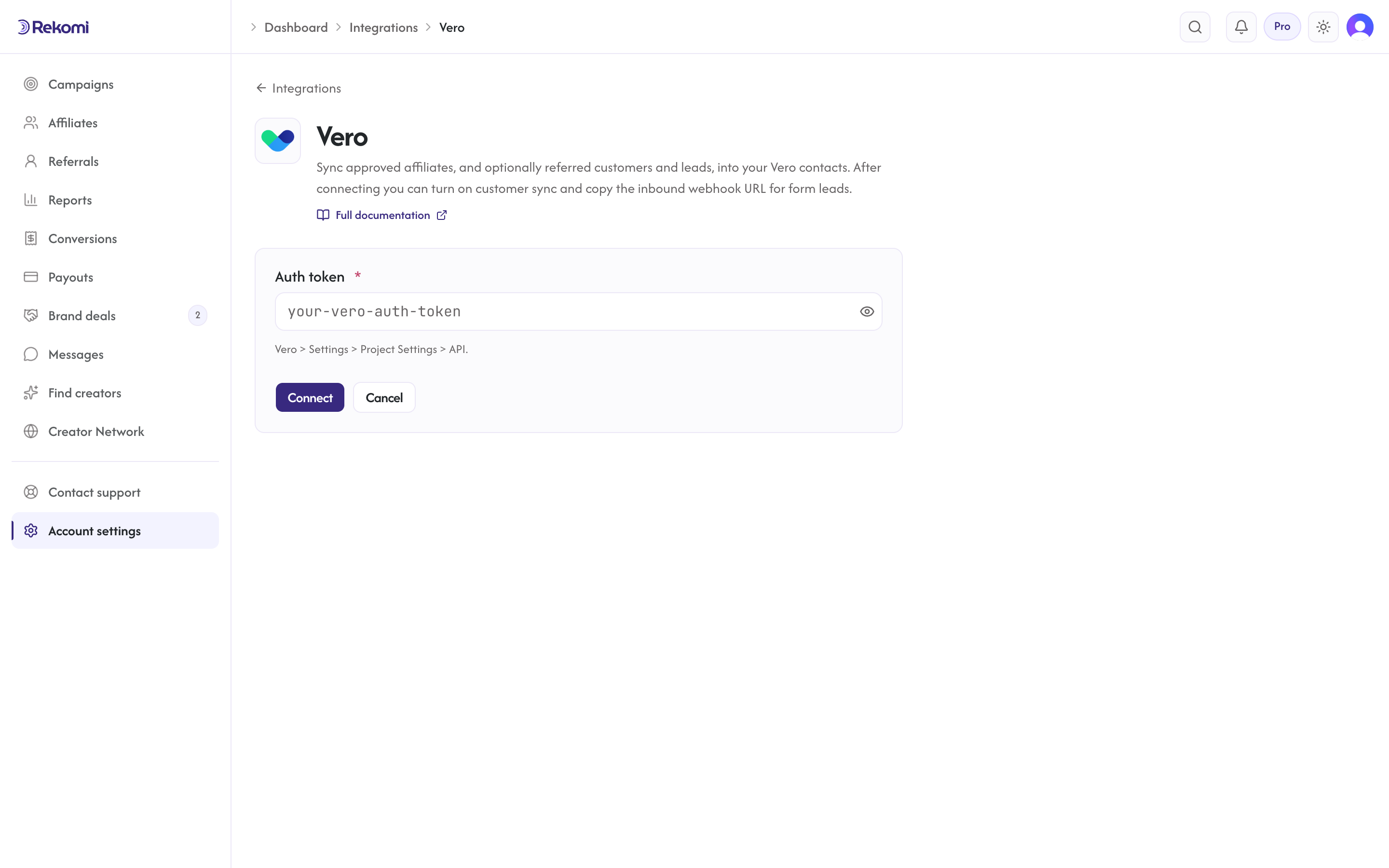
- Vero > Settings > Project Settings > API. Copy the Auth Token.
- In Rekomi, Integrations > Vero, paste the token, click Connect.
Tags
First-class. Applied via a follow-up PUT /api/v2/users/tags/edit call after the identify. The Rekomi affiliate system tag is included.
Referred customers and leads (optional)
Turn on Sync referred customers and leads on the integration page and every sale or lead Rekomi attributes to an affiliate is written to Vero as well, matched on email so existing contacts are updated, not duplicated. Each one carries:
- user properties
rekomi_referral_link,rekomi_campaign,rekomi_referring_affiliate,rekomi_referring_affiliate_code,rekomi_last_event,rekomi_last_sale_amount - tags
Rekomi customerorRekomi lead - Affiliates synced by the section above also get
Rekomi referral link,Rekomi campaignandRekomi affiliate statusin the same fields, so you can merge a partner's link into your emails.
Refunded, denied and fraud-quarantined conversions are never pushed, and imported historical conversions are skipped. It is off by default.
Provider notes
- Auth token goes in JSON body (NOT a Bearer header).
- Identify endpoint upserts on email, safe to retry.
- The connection test uses Vero's alias endpoint with a random probe ID, which validates the token without creating any user in your account.
- 429 honors
Retry-After. - Disconnect deletes the integration row.
See the vero integration overview on the marketing site for use-cases, persona fit, and unique automation patterns.