

Cordial
Connect Cordial so approved affiliates land in your account-wide contacts with tags.

Rekomi's Cordial integration upserts every approved affiliate via POST /contacts with identifyBy: ["channels.email.address"] in the request body as the upsert key, plus first/last name and a rekomi_tags attribute. Cordial has no traditional lists; segmentation is by contact attributes.
Connecting
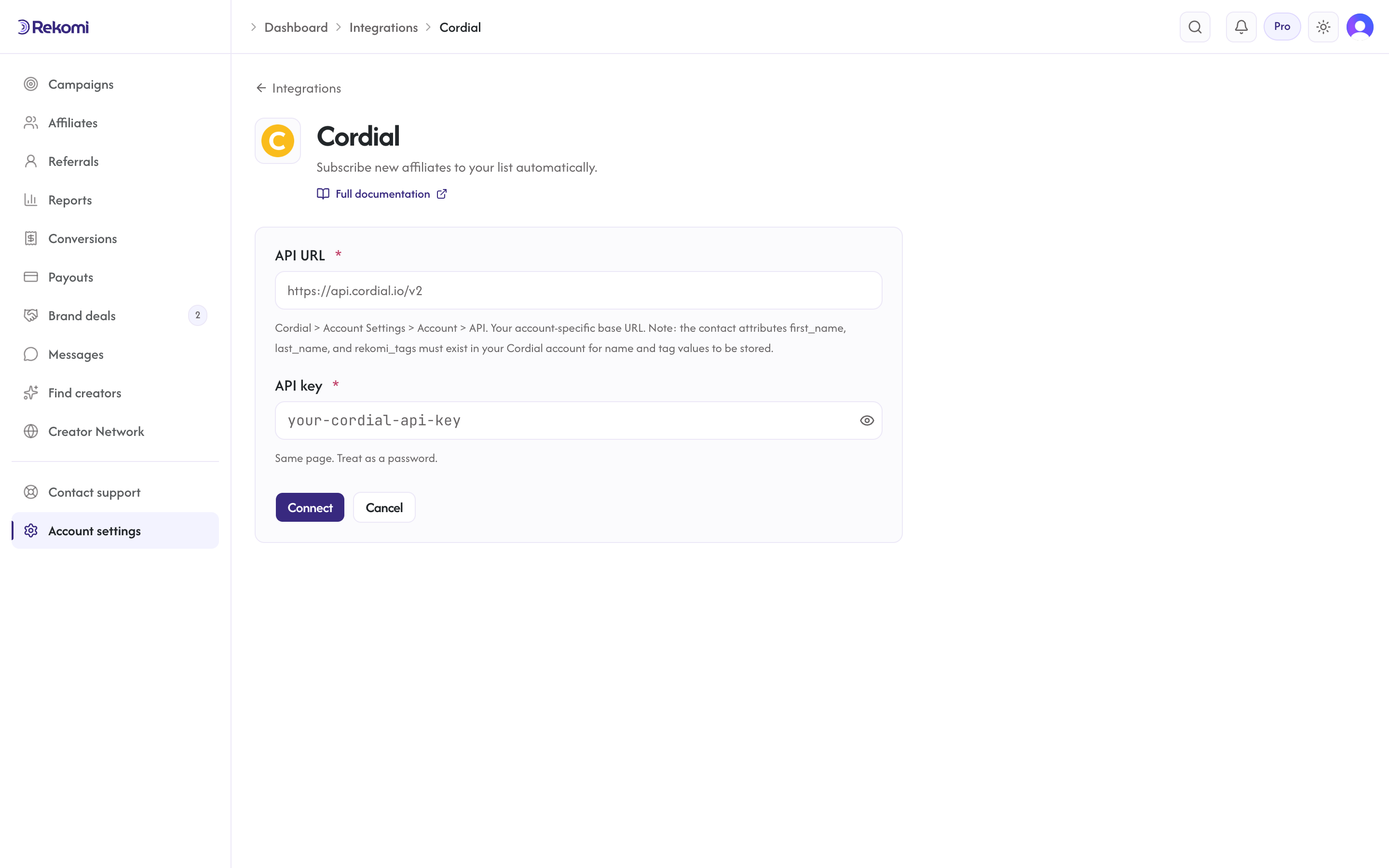
- Cordial > Account Settings > Account > API. Copy the API key + your account-specific API URL (e.g.
https://api.cordial.io/v2). - In Rekomi, Integrations > Cordial, paste both, click Connect.
Attribute prerequisite: the contact attributes first_name, last_name, and rekomi_tags must exist in your Cordial account for those values to be stored. Create them in Cordial before connecting; the email always lands either way.
Tags
Cordial has no tag primitive and Rekomi shows no tags input for it. Rekomi writes the built-in Rekomi affiliate marker into a rekomi_tags string attribute, which you can segment on, provided the rekomi_tags attribute exists in your account (see above).
Provider notes
- HTTP Basic with
apiKey:(empty password). identifyBytravels in the JSON body (array form) and is the upsert key; without it Cordial would create duplicates.- A 4xx whose body carries
CONTACTS_RECORD_EXISTSmeans the contact already exists, and that's treated as a success, not an error. forceSubscribe: truere-subscribes formerly-unsubscribed contacts.- Account-specific base URL with SSRF allowlist
cordial.iofamily. - Disconnect deletes the integration row.
See the cordial integration overview on the marketing site for use-cases, persona fit, and unique automation patterns.